How to crop pdf
- Choose a PDF.
- Enter crop margins and optional page ranges.
- Apply the crop box and download the new PDF.
What this tool does
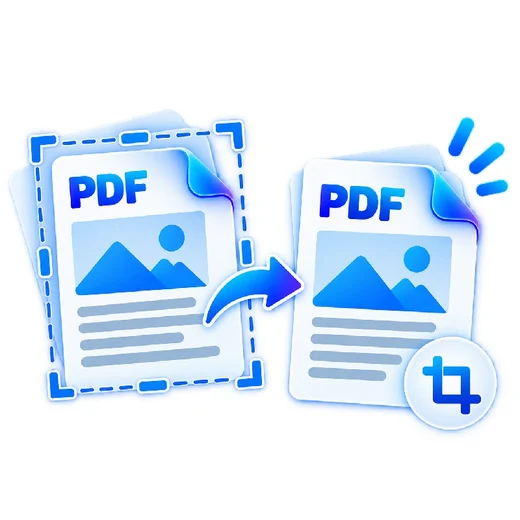
Trim scan borders, excess whitespace or printer margins without rasterizing the document.
 Private browser tools
 Fast, focused workflow
Crop PDF page margins using precise millimeter values.
or choose a file from your device
Trim scan borders, excess whitespace or printer margins without rasterizing the document.
This tool adjusts the PDF crop box. Content outside the crop area may still exist in the file. Do not use it as a redaction tool.
Yes. Enter specific page numbers/ranges or leave blank for every page.
Crop values are entered in millimeters.