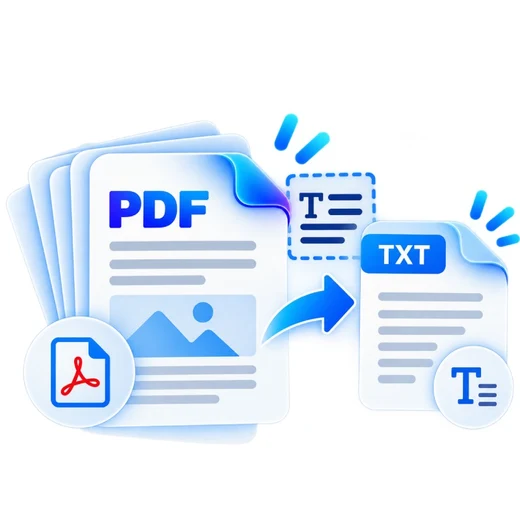
Extract PDF Text graphic Fast, focused workflow
Utility tool

Extract PDF Text

Extract selectable text from a PDF and save it as a TXT file.

Processes locally in your browser No account required

Drop your file here

or choose a file from your device

PDF · up to 250 MB per file · processed in this browser tab

How to extract pdf text

  1. Choose a PDF containing selectable text.
  2. Start extraction and let PDFbrix read each page.
  3. Preview the extracted text and download a TXT file.

What this tool does

Use this tool for text-based PDFs. Image-only scans require OCR, which is not the same as text extraction.
Frequently asked questions

Does this tool use OCR?

No. It extracts text already embedded in the PDF. Scanned image-only pages need OCR.

Will the text keep the exact visual layout?

Not always. PDF text positioning does not map perfectly to plain text, so line structure can differ.

Is extracted text uploaded?

No. Extraction runs locally in the browser.