Sign PDF graphic Fast, focused workflow
Edit tool

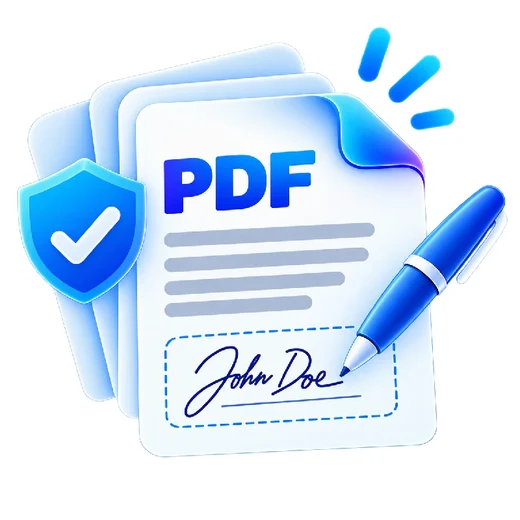
Sign PDF

Place a typed, drawn or uploaded visual signature on a PDF page.

Processes locally in your browser No account required

Drop your file here

or choose a file from your device

PDF · up to 250 MB per file · processed in this browser tab

How to sign pdf

  1. Choose a PDF.
  2. Type, draw or upload your signature and choose its page, size and position.
  3. Place the visual signature and download the signed PDF copy.

What this tool does

This tool adds a visual signature mark. It does not create a certificate-backed cryptographic digital signature or qualified electronic signature.
Frequently asked questions

Is this a cryptographic digital signature?

No. It adds a visual signature to the page. Certificate-backed signing requires a different signing workflow.

Can I draw my signature?

Yes. Draw in the signature pad, or type a name or upload a PNG/JPG signature image.

Does PDFbrix store my signature?

No. The signature data remains in the current browser session for this local tool.