How to add page numbers
- Choose a PDF.
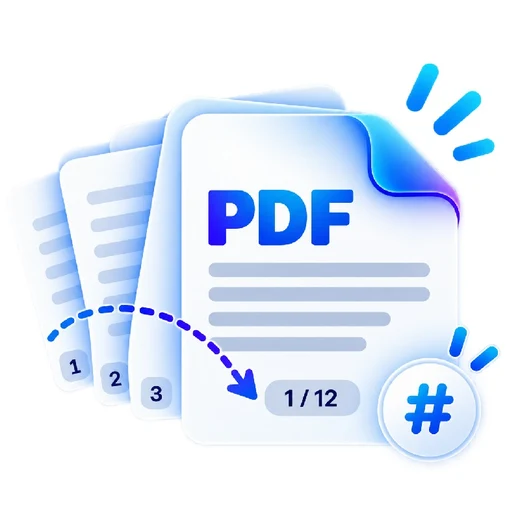
- Set number position, font size, start page/number and optional prefix or suffix.
- Apply numbering and download the PDF.
What this tool does
Create consistent pagination for reports, proposals, handbooks and submissions without editing each page manually.
Frequently asked questions
Can numbering start later in the PDF?
Yes. Set the PDF page where numbering should begin.
Can the first visible number be something other than 1?
Yes. Set any non-negative starting number.
Can I add text around the number?
Yes. Use the prefix and suffix fields. Use {total} in either field when you want the total PDF page count, for example Page 1 of 10.