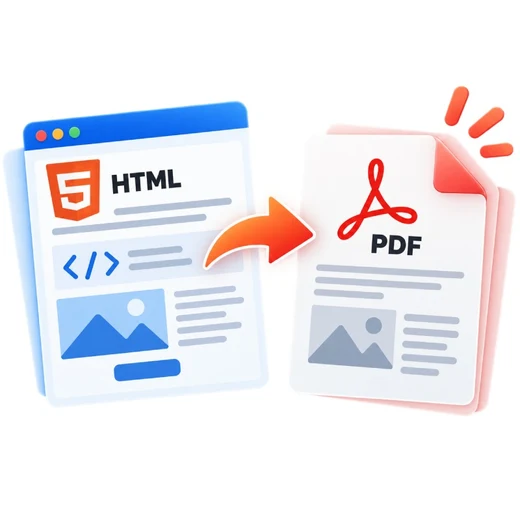
HTML to PDF graphic Fast, focused workflow
Convert tool

HTML to PDF

Convert pasted HTML, an HTML file, or a supported webpage URL into a downloadable PDF.

Browser-first conversion · protected URL fetch No account required

Loading converter…

How to html to pdf

  1. Paste HTML, upload an HTML file, or enter a webpage URL.
  2. Preview the sanitized content and choose page size, orientation and margins.
  3. Render the content and download the resulting PDF.

What this tool does

HTML is rendered in a sandboxed preview without executing submitted scripts. Pasted/uploaded HTML is captured locally. URL mode uses a protected same-origin fetch endpoint when available; remote assets and highly dynamic websites can render differently from a full desktop browser.
Frequently asked questions

Can I paste HTML code directly?

Yes. Paste HTML code, preview the sanitized result, then convert it to PDF.

Can I upload an HTML file?

Yes. HTML and HTM files are supported. Submitted scripts are not executed in the preview.

Can I convert a webpage URL?

Yes when the server URL-fetch endpoint is available and the public page can be retrieved safely. Private-network and non-HTTP URLs are blocked.

Is CSS supported?

Inline CSS and browser-renderable styles are supported. Remote assets, complex web applications and cross-origin resources can have limitations.