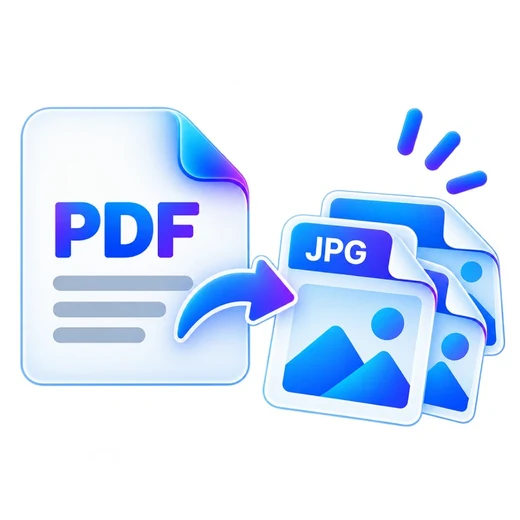
How to pdf to jpg
- Choose a PDF file.
- Select optional page ranges and output resolution.
- Convert pages and download a JPG or ZIP.
What this tool does
Export pages for presentations, websites, previews or image-based workflows while keeping the PDF on your device.
Frequently asked questions
Do I get one image per page?
Yes. A one-page PDF downloads as one JPG; multiple pages are bundled into a ZIP.
Can I choose specific pages?
Yes. Leave the pages field blank for all pages or enter page numbers/ranges.
Can I control image resolution?
Yes. Increase the render scale for larger images, subject to browser memory limits.