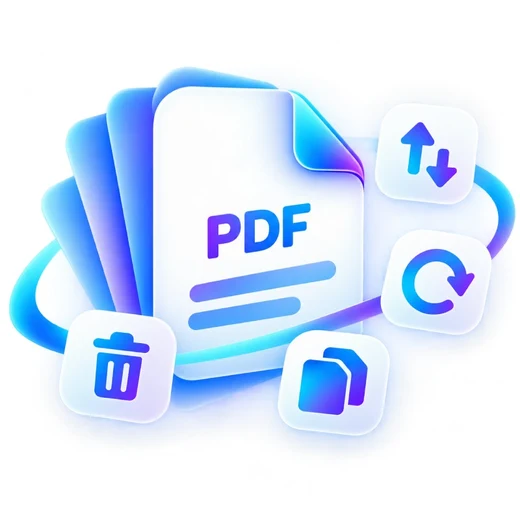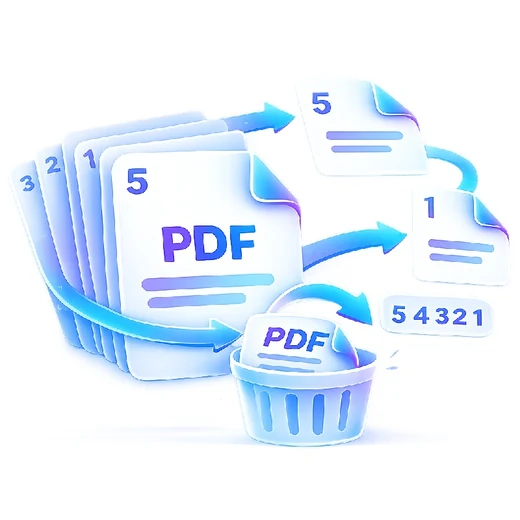
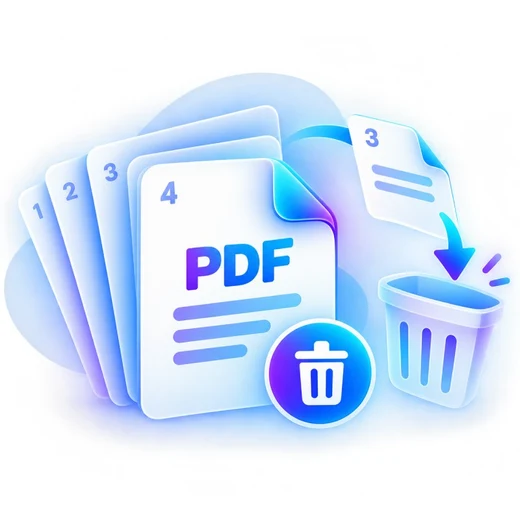
Delete PDF Pages graphic Fast, focused workflow
Organize tool

Delete PDF Pages

Remove unwanted pages from a PDF using page numbers or ranges.

Processes locally in your browser No account required

Drop your file here

or choose a file from your device

PDF · up to 250 MB per file · processed in this browser tab

How to delete pdf pages

  1. Choose a PDF file.
  2. Enter the page numbers or ranges you want to remove.
  3. Delete the selected pages and download the new PDF.

What this tool does

Quickly remove blank scans, outdated appendices or accidental pages while keeping the rest of the document.
Frequently asked questions

Can I delete multiple ranges?

Yes. Use a comma-separated list such as 2,4-6,10.

Can I delete every page?

No. PDFbrix keeps at least one page so the result remains a valid PDF.

Is the file uploaded?

No. Page deletion is performed locally in the browser.