How to reverse pdf pages
- Choose one PDF file.
- Confirm the document page count.
- Reverse the order and download the new PDF.
What this tool does
Useful for scans or exports that were produced in the opposite order.
 Private browser tools
 Fast, focused workflow
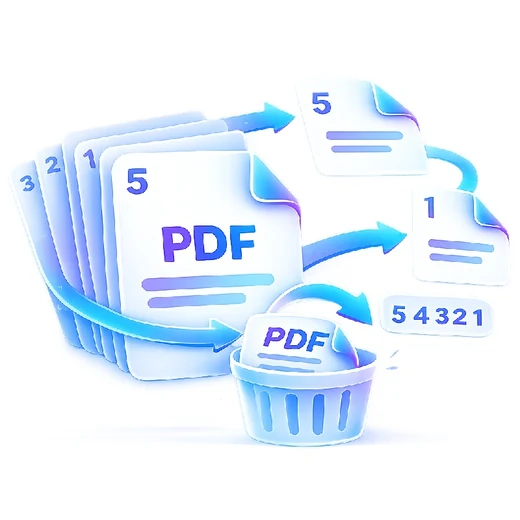
Reverse the complete page order of a PDF in one step.
or choose a file from your device
Useful for scans or exports that were produced in the opposite order.
No. It reverses the order of the pages, not the content inside each page.
This focused tool reverses the entire document. Use Organize PDF for custom rearrangement.
Yes. The PDF is processed inside your browser.