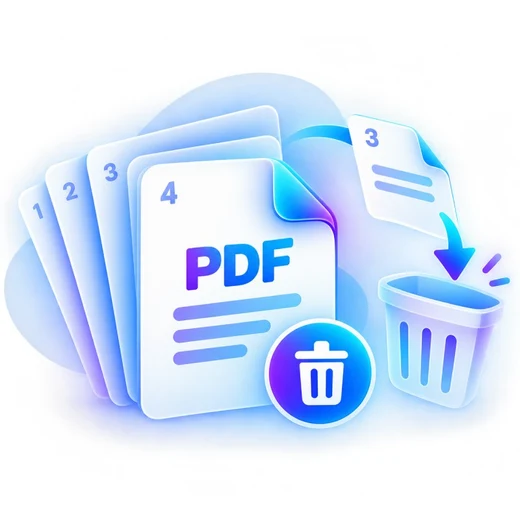
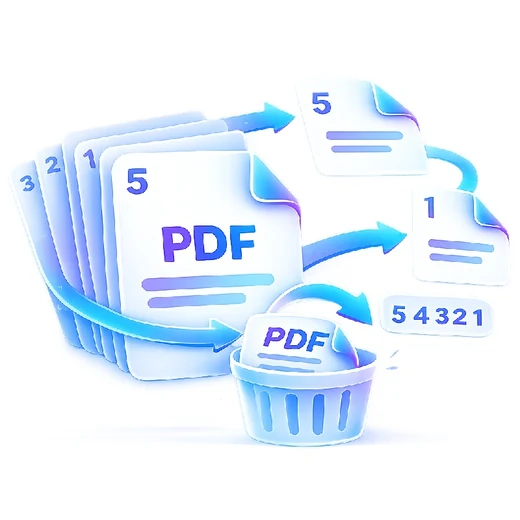
How to extract pdf pages
- Add one PDF file.
- Enter the pages or ranges you want to keep.
- Create and download a new PDF containing only those pages.
What this tool does
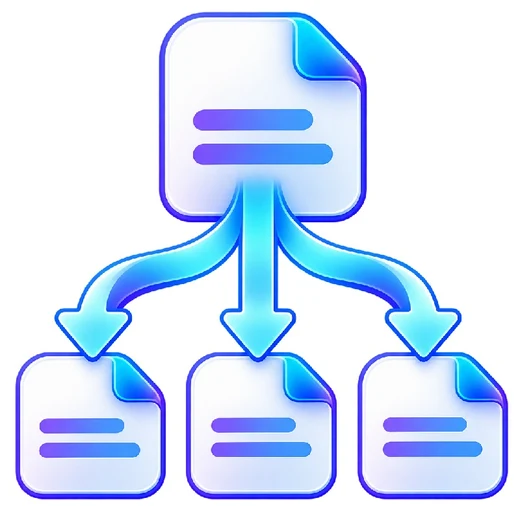
Create a focused document from a larger file without editing the original PDF.
 Private browser tools
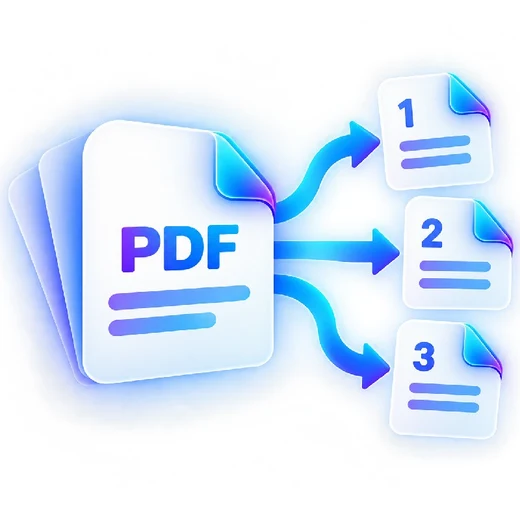 Fast, focused workflow
Keep selected PDF pages and save them as a new document.
or choose a file from your device
Create a focused document from a larger file without editing the original PDF.
Yes. Enter values such as 1,3,7-9.
No. PDFbrix creates a new PDF and leaves your original file unchanged.
No rasterization is used for page extraction.